Nextcloud
Nextcloud is a powerful privacy-respecting, cloud-based file-sharing and collaboration hub.
All data shared with the digital-hub.sh Nextcloud instance is locally stored on our infrastructure and will never leave it without your consent.
How to use your digital-hub.sh SSO account with Nextcloud
Using your digital-hub.sh SSO account with our Nextcloud instance is easy—simply open the digital-hub.sh Nextcloud instance and use the Log in with SSO DigitalHubSH button to sign in.
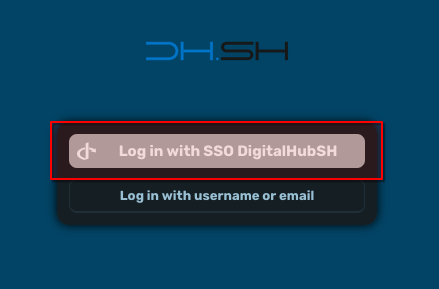
Accessing shared project files
The first thing you’ll likely be looking for is the files that have been shared with you from other members of your project team.
After you have logged into Nextcloud, you will be presented with the Dashboard. To reach your files from here, first click on the menu icon on the top right (1), which displays all the apps that are available for use on Nextcloud. One of them is the Files app. Click on its icon (2).
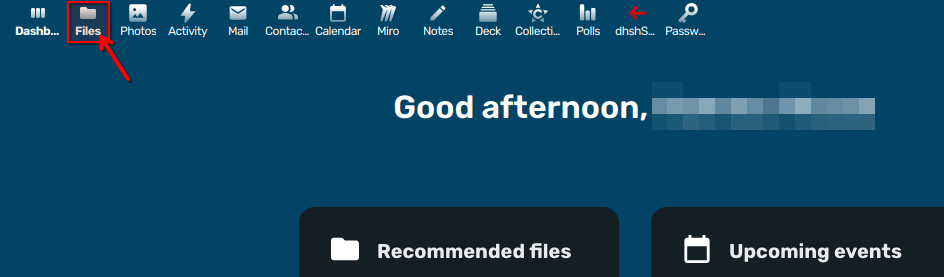
This will open the primary view of the Files app, which looks like this:
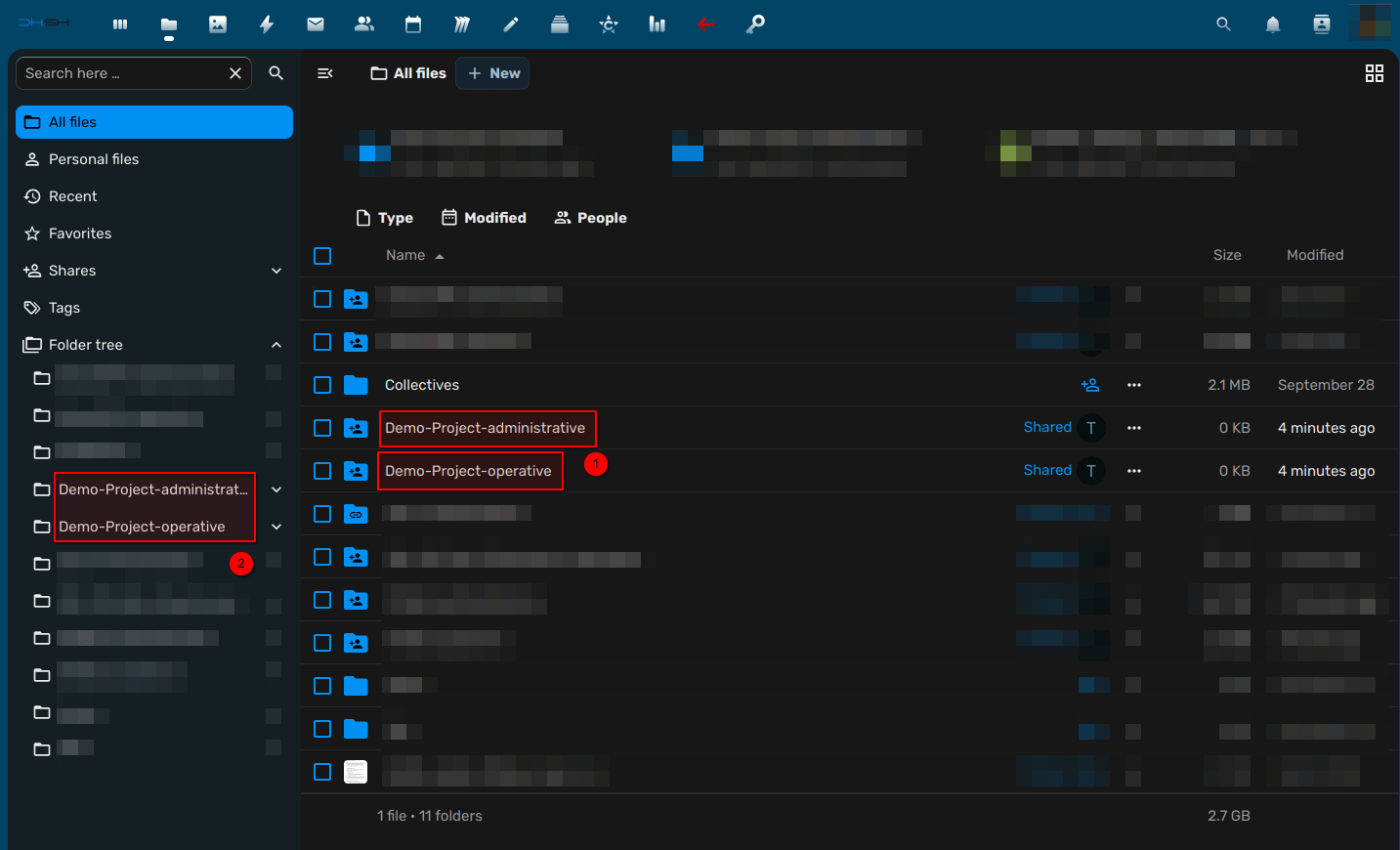
This is your home folder, which also automatically contains all the folders that have been shared with you. This includes the project working folders as well. (1)
Depending on your assigned role in the project, you will have access to the <Project name>-administrative folder, the <Project name>-operative folder, or both.
Note that you can also always find the project folders on the tree view on the left-hand side (2) if you’re lost.
Note
If you can’t find the folder for a specific project, make sure to check I was recently added to a project and can’t find the shared project folder.